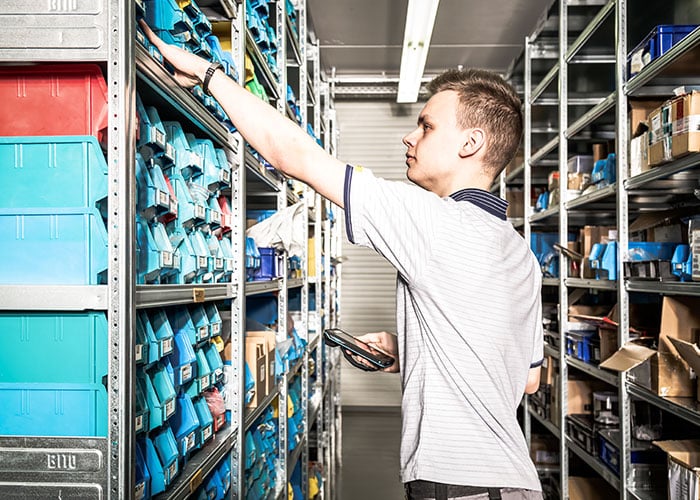
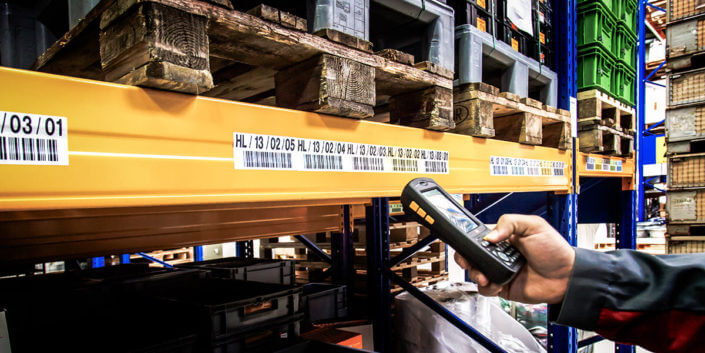
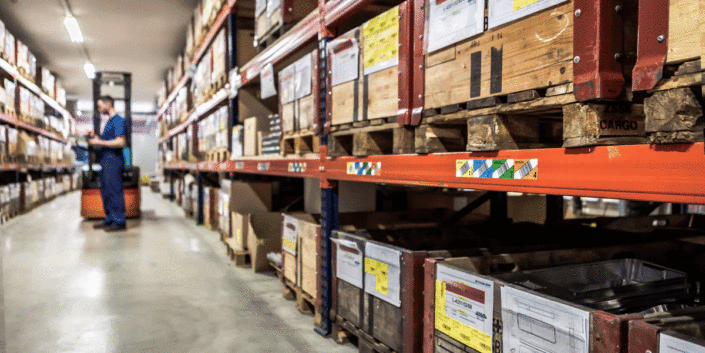
With the help of the extended SAP Business One function for digital and mobile order picking, warehouse personnel can pick a sales order directly, which results in a delivery note in SAP Business One. Order picking can also be started with or without a sales order in the warehouse management solution. If the employee does not have a current sales order, they can search for the order in question using the appropriate filter criteria or, alternatively, they can display all the existing sales orders from SAP Business One.
As soon as a sales order has been selected, all of the items to be picked are displayed digitally. Warehouse personnel can see at a glance the target stock and actual stock of the individual items, as well as the item number, item description, and the storage location. As soon as an item in the order is selected, an interface opens to record order picking. The item can now be scanned with the mobile barcode scanner, the stock can be entered, and everything can be posted. This is then repeated step by step for each item to be picked. The delivery note can only be completed once all the items have been picked successfully. The printing of the delivery document is then initiated via the mobile device.